[German]Outlook Classic users are once again plagued by a silly bug that Microsoft has built into the software. The bug causes the mouse pointer to disappear unintentionally. It can also affect OneNote or other MS 365 apps. Microsoft has finally confirmed the bug.
User complaints about mouse pointers in Outlook
On Microsoft Learn, there is a thread in the Q&A forum titled "Why does my mouse arrow disappear while using outlook? from early December 2025. A user complains and reports that their mouse pointer suddenly disappears in Outlook Classic. The user wrote, "My mouse suddenly disappears while I'm using Outlook," and notes that this is very frustrating. Now I can't find anything, open emails, copy and paste, etc.
The thread then received several responses from other Outlook Classic users confirming this issue. As expected, the responses from Microsoft moderators were a complete failure.
Microsoft confirms the issue
Now, after more than two months, Microsoft has acknowledged this issue. I came across the facts described in the following BlueSky post and in this article by my colleagues at Bleeping Computer.
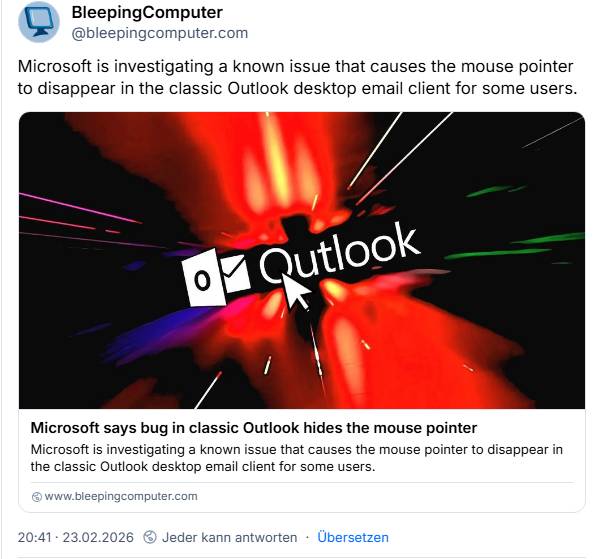
There is an official Microsoft support document dated February 19, 2026, entitled Mouse pointer disappears when hovering over classic Outlook, in which Microsoft addresses the issue. This affects users of Outlook 365 Classic, where the mouse pointer may disappear when moved over the Outlook window or user interface.
However, Microsoft has some good news: although the mouse pointer is no longer visible, it is not gone, just invisible. The application changes color when users hover over an email in the message list. This issue has also been reported to a lesser extent in OneNote and other Microsoft 365 apps. After all, it affects everyone.
There is more good news: after a little over two months, the Outlook team is investigating this issue. At some point, there will even be a patch to fix the bug – so don't give up hope.
Anyone affected by the problem should ask their M365 tenant administrator to open a support case. The WebView2 WPR traces mentioned in the article WebView2Feedback /diagnostics/script.md at main MicrosoftEdge/WebView2Feedback should be created and attached to the support case. The case should be forwarded to the Outlook support team for further analysis and escalation.
A workaround for those affected
If you are affected by this bug, you can try the workaround suggested by Microsoft.
- When you hover your mouse over the Outlook message list and the color of the email changes, select an email. This may cause the mouse pointer to reappear.
- Open PowerPoint, click in an editable window in PowerPoint, then click back to Outlook and check if the mouse pointer reappears..
If that doesn't help, simply restart your Windows computer. Are any of our readers affected by this bug?